


You apply for a job in the afternoon. That evening your phone buzzes. It could be a chat message from a “hiring assistant,” a call from a friendly voice that turns out to be software, or a link in an email to a video interview where the face asking the questions is an AI avatar.
Each format feels different, but they all do the same job. They ask set questions, record what you say, and turn it into a transcript, a summary or a score that a recruiter or hiring manager uses to decide who moves forward.
Most candidates treat these first contacts like small talk with a nice recruiter. They keep answers short and casual and expect follow-up questions later. Often there aren’t any, and the recruiter only sees a thin summary.
I’ve spent years on the hiring side, and I think this is one of the easiest places to lose a job you were qualified for. The fix is simple to describe and easy to forget under pressure: answer the exact question in your first sentence, back it with one real example, and say what happened as a result.
How Common This Is Now
AI in the first round is no longer rare. In TestGorilla’s 2025 survey of 1,084 employers, 2 in 10 said they use AI to interview candidates, and 59% use it to screen resumes. iHire’s 2025 survey of 529 US employers found 16.1% using AI to conduct interviews, up from almost no AI use at all two years earlier.
Both surveys are mostly US data. I haven’t found equally solid numbers for Africa, Asia or most of Europe. But more and more companies are using AI for initial screenings in 2026, and that number’s only going to climb in 2027. What I see is the same AI tools showing up wherever big employers hire at volume, because the vendors sell globally.
The scale at the top end is large. Paradox, whose assistant Olivia handles screening and scheduling by chat, was bought by Workday in 2025, and Workday said Paradox would schedule 32 million interviews that year, about one in ten in the US.
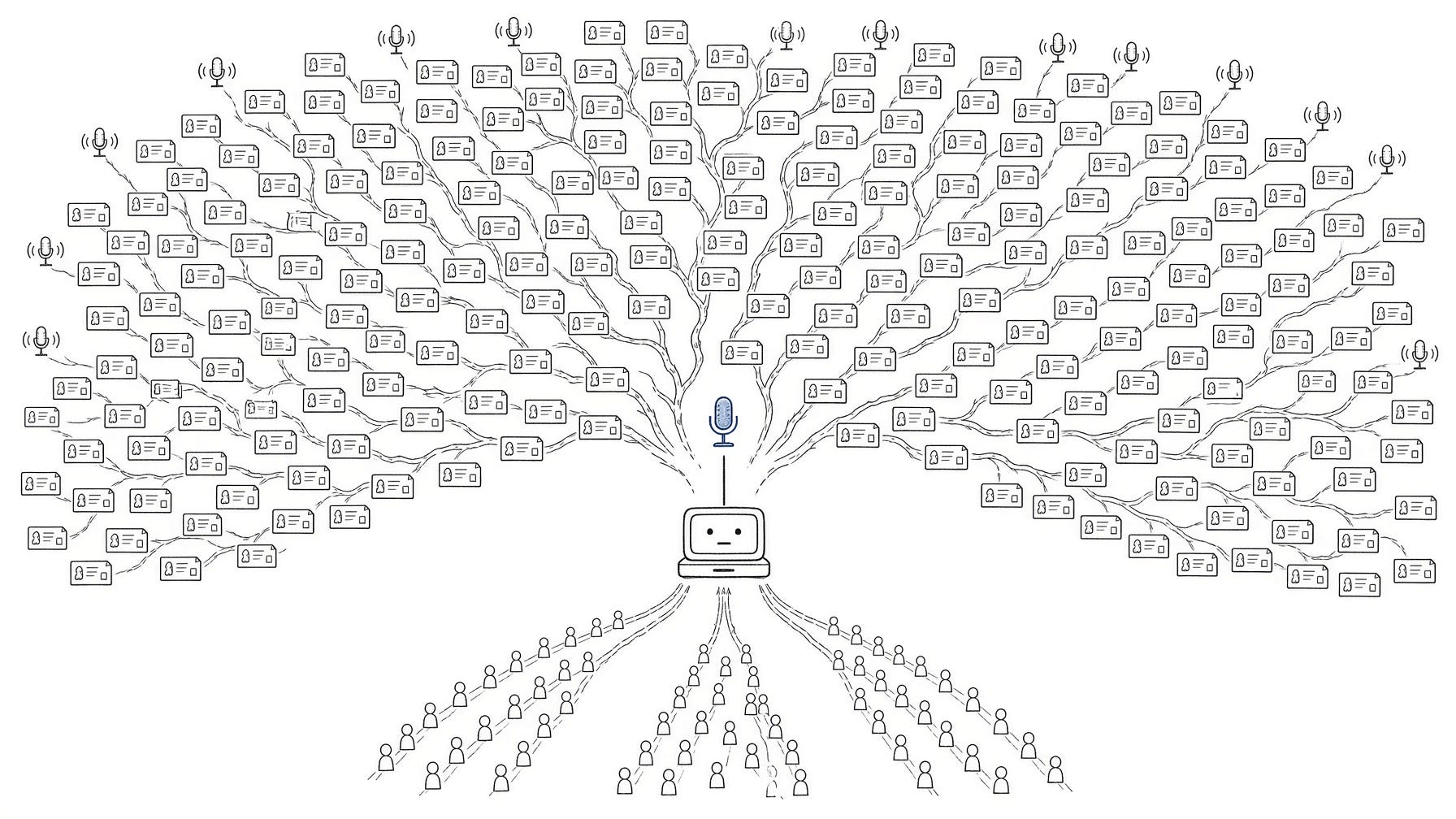
Who Is Actually on the Other End
You’ll usually meet one of five types:
Chat screeners on the careers site, WhatsApp or SMS. They ask about availability, location, work rights and salary, then book a slot. Olivia is the best-known example.
AI voice interviewers that call you or answer when you call in. They ask structured questions and can follow up on what you say. The largest public study of these, from Chicago Booth, covered 70,000 applicants interviewed by humans or by an AI voice agent.
AI avatar interviewers: a digital face on a video call that talks, listens and asks follow-ups in real time. It looks like a Zoom call with a person, but there’s no person.
One-way video interviews, where you record answers to questions shown on screen. HireVue is the best-known vendor. Some companies just pass the recordings to a recruiter. Others add automated scoring.
Automated assessments: skills tests, situational questions, short written tasks.
You often won’t know whether the tool is scoring you or just collecting answers for a recruiter. Plan for both. Everything you say gets recorded and read later, by software, a person, or each in turn.
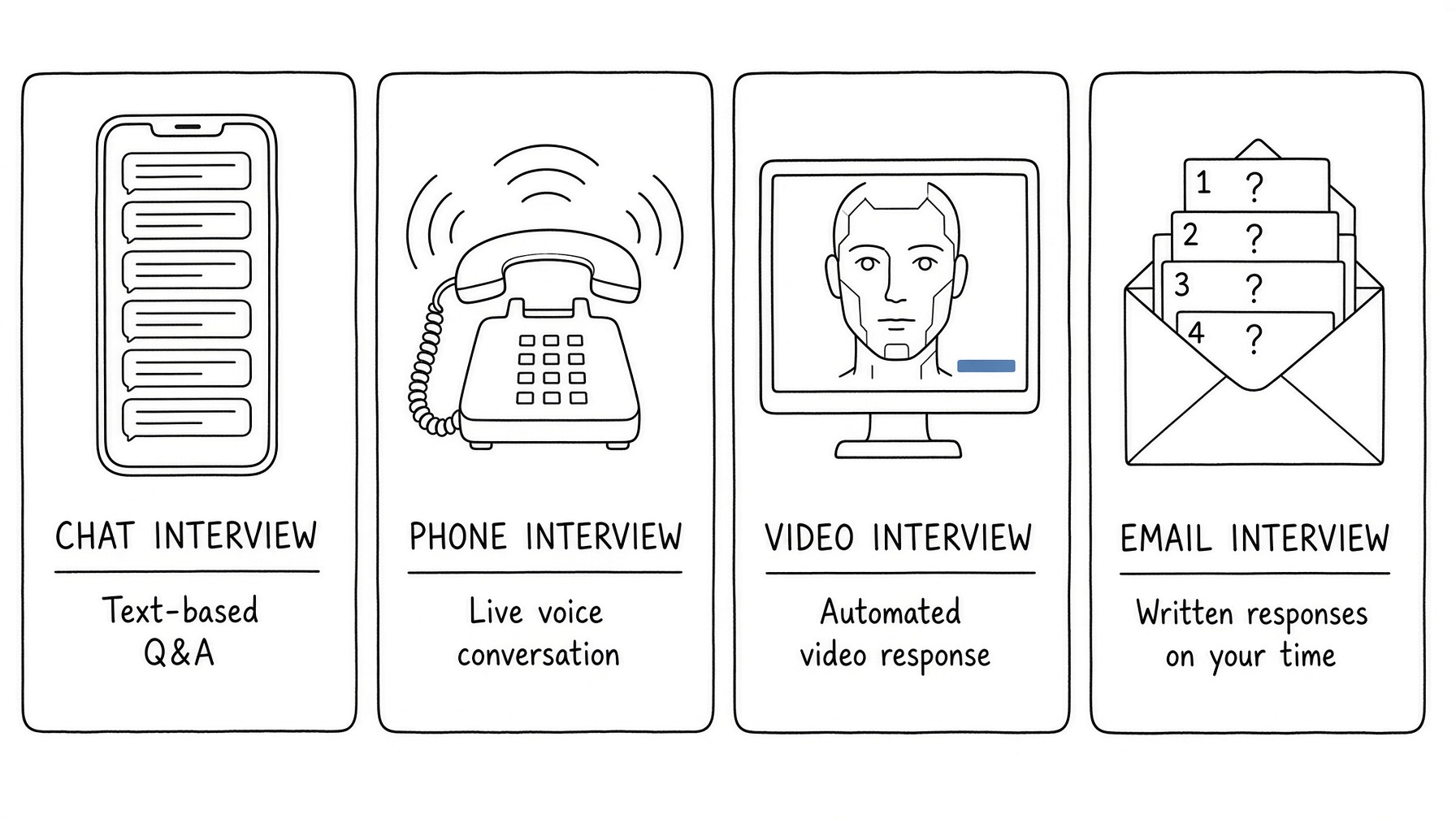
How to tell which one you’re facing
Instant replies at odd hours with identical phrasing mean a chat screener. A call that opens with a recording notice and a very even, scripted intro is probably a voice agent, and you’re allowed to ask, “Am I speaking with an automated assistant?” A video call where the interviewer’s face and voice never quite react to small talk is likely an avatar. An email with a link, a deadline and a fixed number of questions means one-way video or an assessment.
If you can’t tell, answer as if it’s scoring you. That style works with a person too.
What It’s Listening For
A good recruiter fills gaps for you. If you ramble, they steer you back. If you forget to mention you speak Portuguese, they ask.
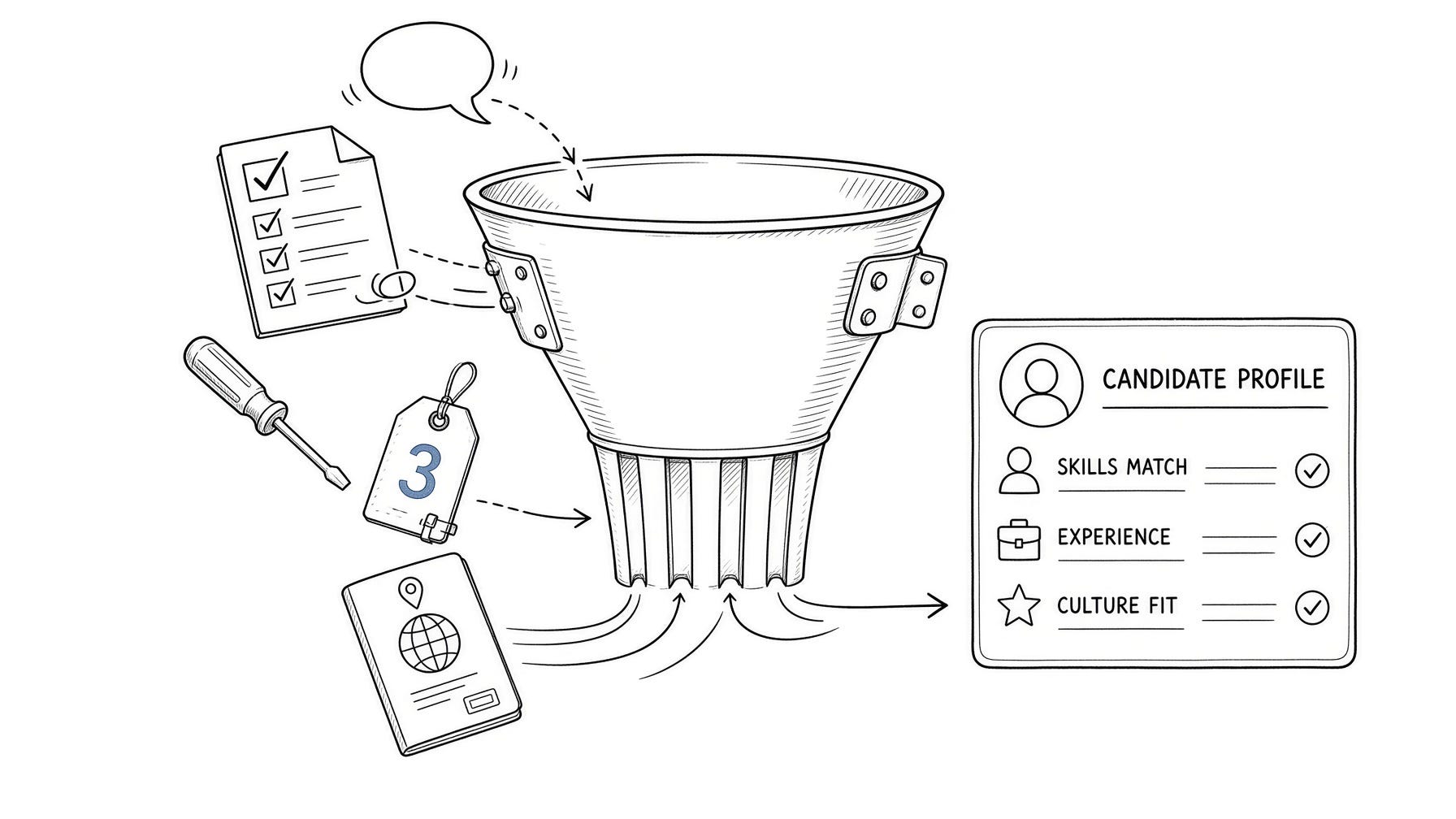
AI interviewers can ask follow-ups, but they work from a set of questions and a list of what the employer wants to hear. Based on how these systems are set up, that list usually comes down to four things:
Completeness. Did you answer every part? “Tell me about a time you handled a difficult customer and what the result was” has two parts. Half an answer gets half the credit, at best.
Relevance to the role. Your answers are compared with the job requirements. A great story from an unrelated field earns less than a plain story from the right one.
A concrete example. A number, a tool, a timeframe or an outcome reads as evidence. Calling yourself “a hard worker” gives it nothing to count.
Knockout answers. Work authorization, location, notice period, minimum experience, salary range. Fail one of these and the rest of your answers may never matter. Next week’s issue is all about knockout questions.
The Booth study backs up the “say concrete things” part. When researchers analyzed the transcripts, the AI interviews drew out more hiring-relevant information than human ones, and the details candidates gave were what predicted job offers. Applicants interviewed by AI got 12% more offers. People who give specifics do well in these interviews.
What about your face and tone? HireVue, the biggest name in video interviewing, removed facial analysis from its assessments and announced it in January 2021, saying language analysis had made it unnecessary. Its CEO said at the time that the company is “primarily assessing the candidate’s answer to the questions.” Some smaller vendors still market facial or voice analysis, and I’m skeptical of all of it. Focus on what you say.
How to Answer Without Sounding Like a Robot
People worry that a structured answer will make them sound like a machine talking to a machine. You keep your own words, your own example and your normal way of speaking. Only the order changes.
Put the direct answer in your first sentence. Follow it with one real example. End with what happened. A clear answer to a person and a clear answer to software look almost the same, which is why this works whoever reads the transcript.
Drop the warm-up. “That’s a great question, thank you for asking” uses up seconds on a voice call and gives the transcript nothing. Be friendly at the start and the end, and direct in between.
If you’re applying outside your home market, write and speak plainly and skip local slang. Speech-to-text set up for one accent can garble phrases like “I’ve been at it donkey years.” “I’ve done this for 9 years” works everywhere. Do the same with local qualifications and job titles by adding a few words of context the first time.
The Mistakes That Cost the Most
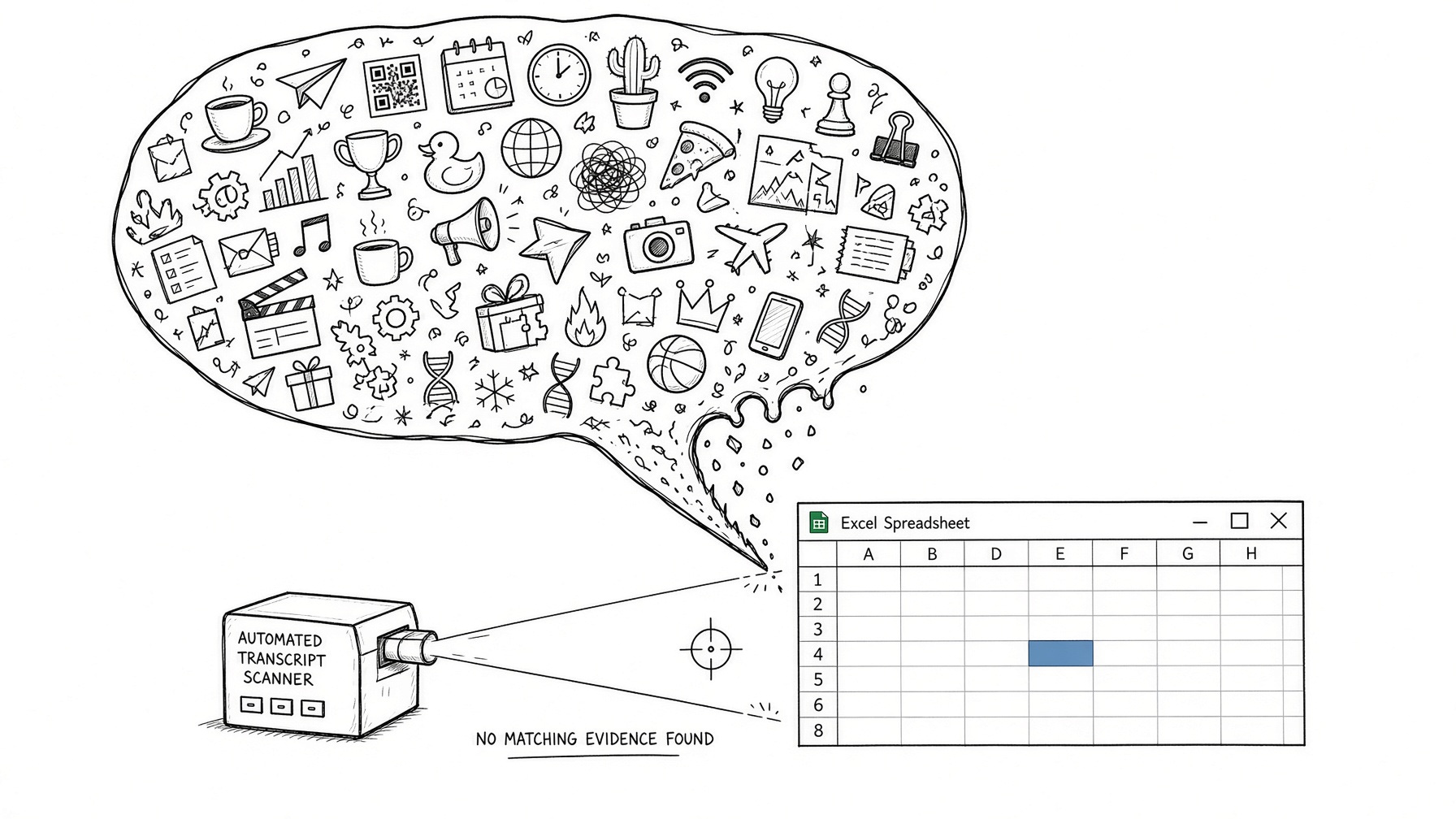
Answering the general idea instead of the question. Asked “What’s your experience with Excel?”, many people write or say something like “I’m very comfortable with all Microsoft Office tools and learn new software quickly.” A human might nod. A transcript checked for Excel experience shows none.
Weak: “I’m very comfortable with Excel and other tools.”
Better: “I use Excel daily. I build pivot tables for our monthly sales report and wrote the lookup sheet our team of 6 uses to track orders.”
Being too short in chat. Chat feels casual, so people reply in four words: “Yes, I’ve managed teams.” Write or say two or three full sentences. In a chat screen, the text is all there is.
Being too long on voice or avatar calls. Nervous people talk for three minutes and bury the answer in the middle. Answer in your first sentence, give one example, then stop. If the AI wants more, it will ask.
Guessing on knockout questions. If you say yes to relocation to get through and you mean no, you’ve wasted everyone’s time. If you mean “yes, for the right role,” say exactly that.
Copying the job ad into your answers. It’s tempting to repeat the exact phrases from the ad. A recruiter reads the transcript later, and an answer built from their own wording, with no example of yours attached, looks empty to them.
Answering from the couch at 11pm. These messages often arrive in the evening, and people reply from their phone while half watching something. Typos and one-line answers get recorded the same as your best work. Unless the message says it has to be now, wait until you can sit down and focus.
Small Changes for Each Format
In chat, write full sentences and keep each answer to one short paragraph. Check spelling before you send, because the transcript is often what the recruiter reads. If a question is unclear, ask: “Do you mean total experience or in this kind of role?” If the bot can’t handle it, it will repeat the question, and you’ve lost nothing.
On a voice call, find a quiet room and use headphones with a mic. Voice agents handle background noise worse than people do, and a bad transcript can hide a good answer. Speak a little slower than usual. Pause for a beat when you finish so the system knows your answer is over and doesn’t cut in.
With an AI avatar, treat it like a real video interview. Put the camera at eye level, face a window or a lamp, and look at the camera when you talk. The turn-taking is the biggest difference: avatars sometimes wait a second before replying, or start talking while you’re still finishing. Let it finish its question, pause, then answer. Don’t fill silence with “um, so, yeah.” Expect follow-ups that dig into your example, so pick examples you can talk about for another minute.
On one-way video, setup causes more trouble than the questions. Do one practice recording to check sound and light. Many platforms offer a practice question, so use it. If retakes are allowed, use one when you’ve clearly fumbled and stop there. By the fifth take, most people sound more rehearsed and less sure.
Ten Minutes of Prep Before You Start
“Can you answer a few quick questions?” sounds urgent. Unless it says otherwise, take ten minutes first.
Reread the job ad and mark the requirements that sound fixed. Years of experience, a certification, a language, a location. Those are your likely knockout questions.
Decide your answers to the obvious ones before you start. Notice period, salary range, work authorization, relocation. These are the worst things to make up on the spot.
Pick two or three examples from your work that fit this role. Something you delivered and a problem you solved, plus a time you worked through a disagreement if you have one. Most screening questions can use one of them with small changes.
Get your numbers ready. Team size, budget, improvement, number of clients, years. If you have to stop and work out a number mid-answer, you’ll guess, and guesses sound vague.
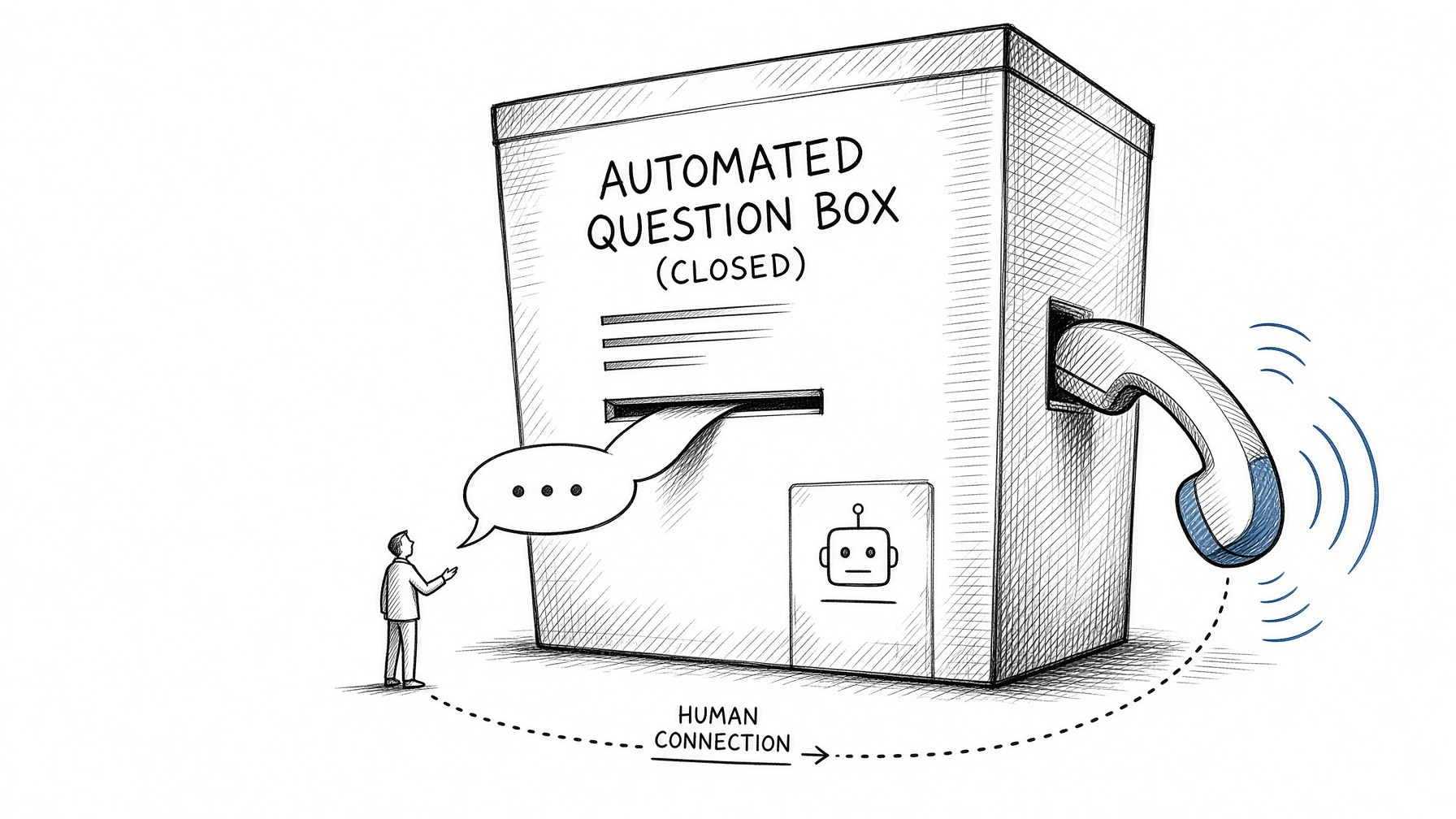
How to Ask for a Human
You’re allowed to ask and sometimes you should, especially in executive roles.
Ask when your situation doesn’t fit the questions: a career gap with a reason, a visa situation more complicated than yes or no, a disability where you need an adjustment, or a notice period you can negotiate. A recruiter can weigh that context. A fixed list of questions can’t.
In some places the law backs you up. In New York City, employers using automated hiring tools must give notice at least 10 business days before use and let candidates request an alternative process or an accommodation. They don’t have to grant the alternative, but you can ask. Illinois requires employers using AI to analyze video interviews to notify you, explain how it works and get your consent first. The EU AI Act classifies hiring AI as high-risk, with human oversight among the requirements, but those rules now apply from 2 December 2027 after a delay agreed this year.
Where no law applies, ask anyway. Most recruiters would rather hear from you than lose a good candidate to a misheard answer. Keep the request short and specific. Skip the bot, find the recruiter’s name on LinkedIn or the careers page, and write to them directly.
The answer structure I’d use for any AI screening question, with three filled examples, outlines for the ten questions these screeners ask most often, a one-page prep sheet, four practice prompts that turn any chatbot into a mock AI interviewer, the message I’d send to ask for a human, and the follow-up I’d send after a screen.
The Answer Structure
Use this for every open question, in chat, voice, avatar or recorded video:
